Help
Help 


Batteries
-
Battery for UTL-4776127-2S
-
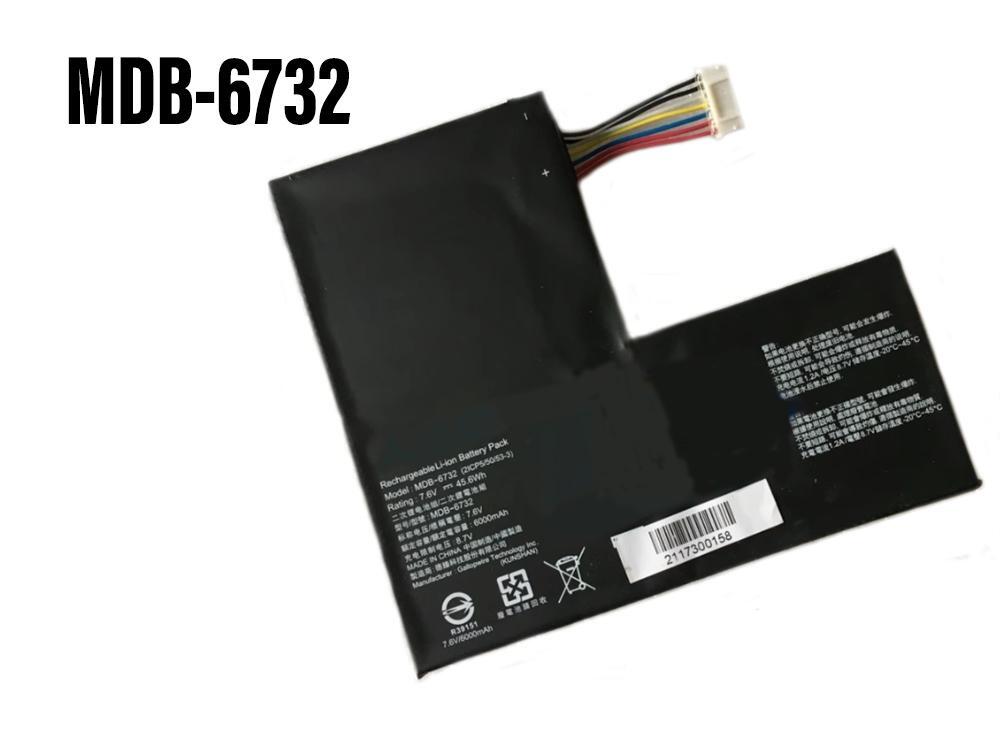
Battery for MDB-6732
-
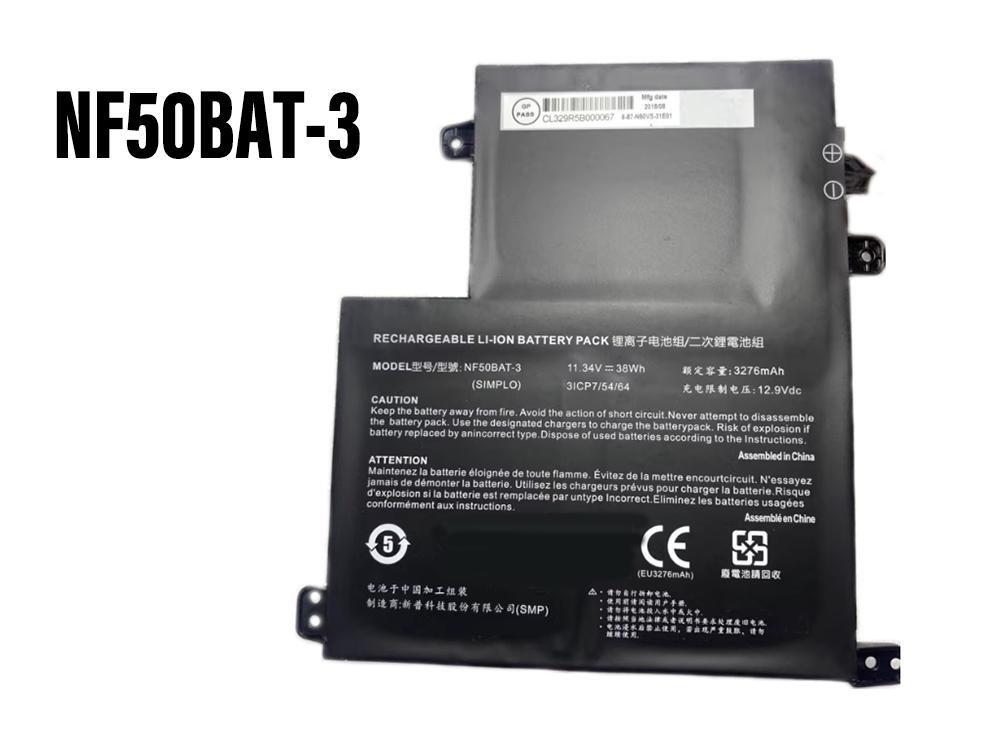
Battery for NF50BAT-3 6-87-N50VS-31E 6-87-N50VS-31E00
-
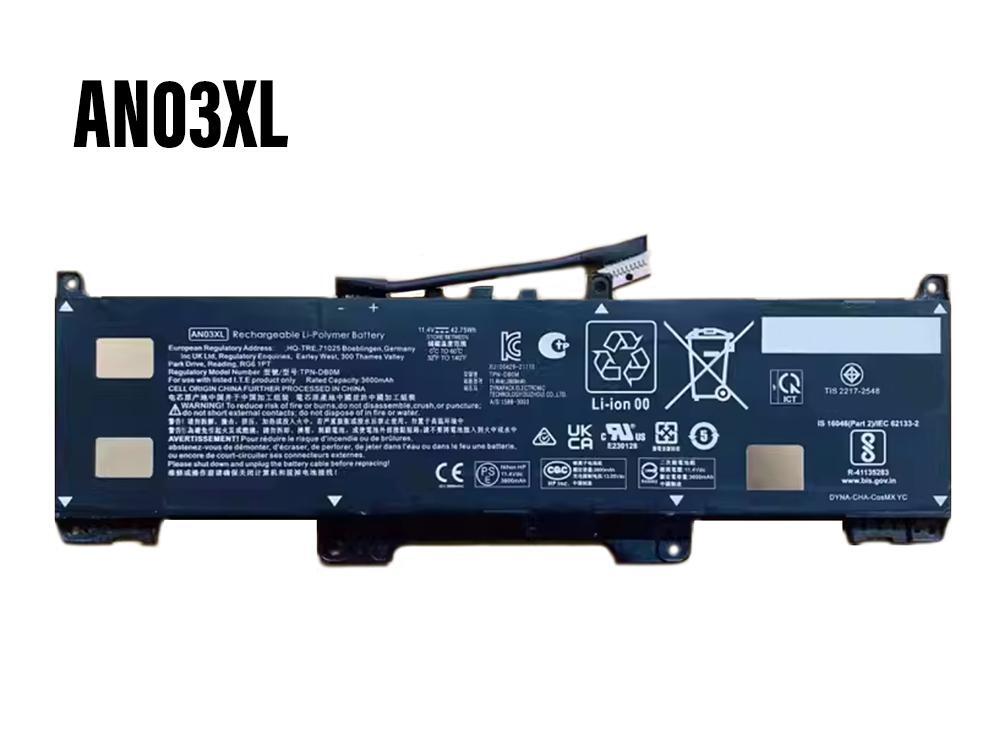
Battery for AN03XL HSTNN-OB2K L173474-005 TPN-DM0M
-
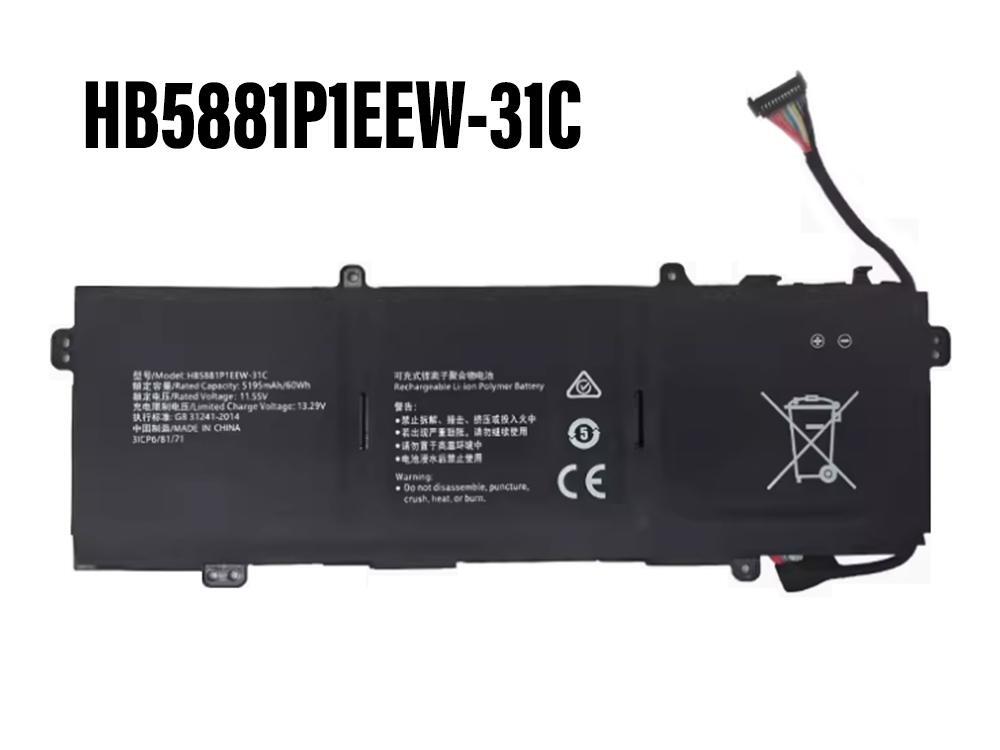
Battery for HB5881P1EEW-31C
-
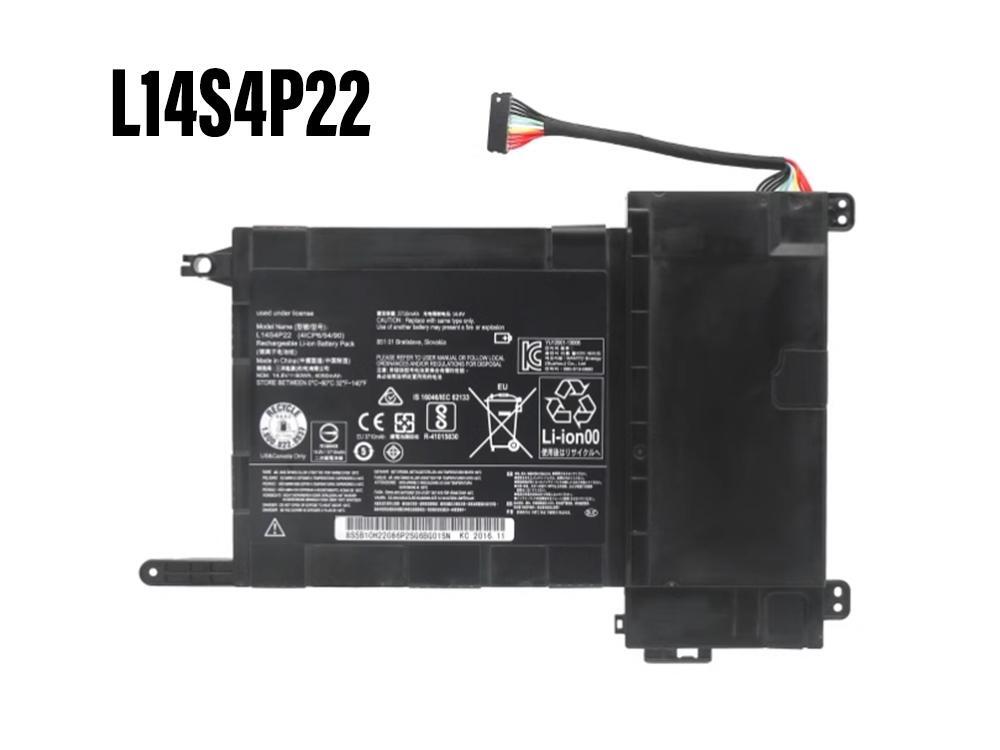
Battery for L14S4P22
-
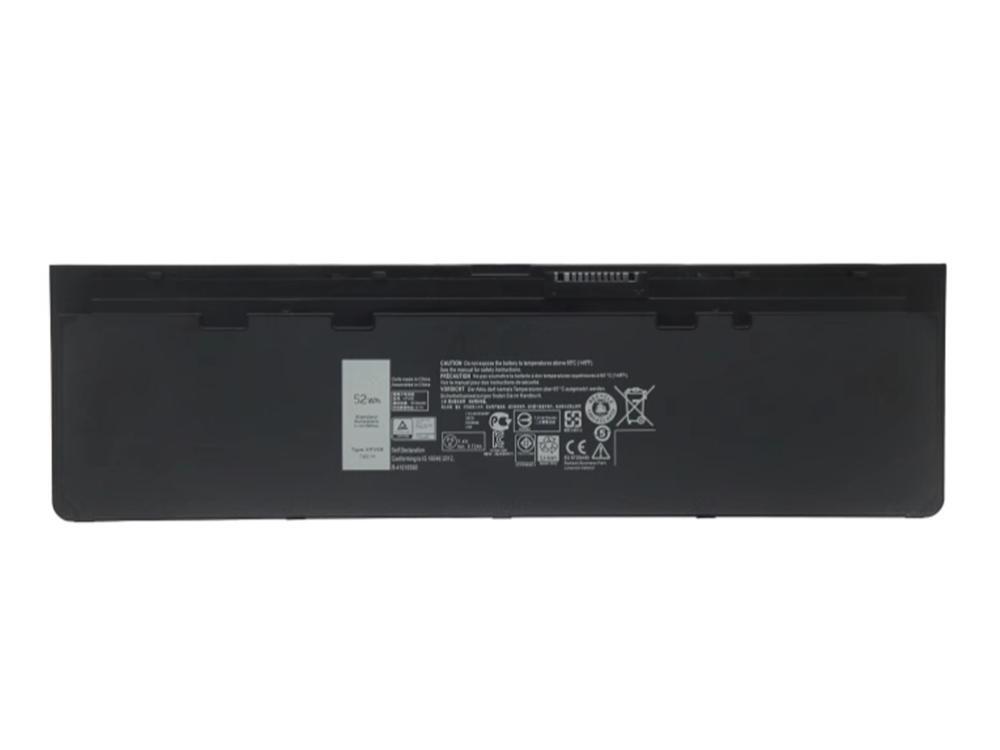
Battery for VFV59 HJ8KP GVD76 WD52H KWFFN
-
Battery for 3RNFD
-
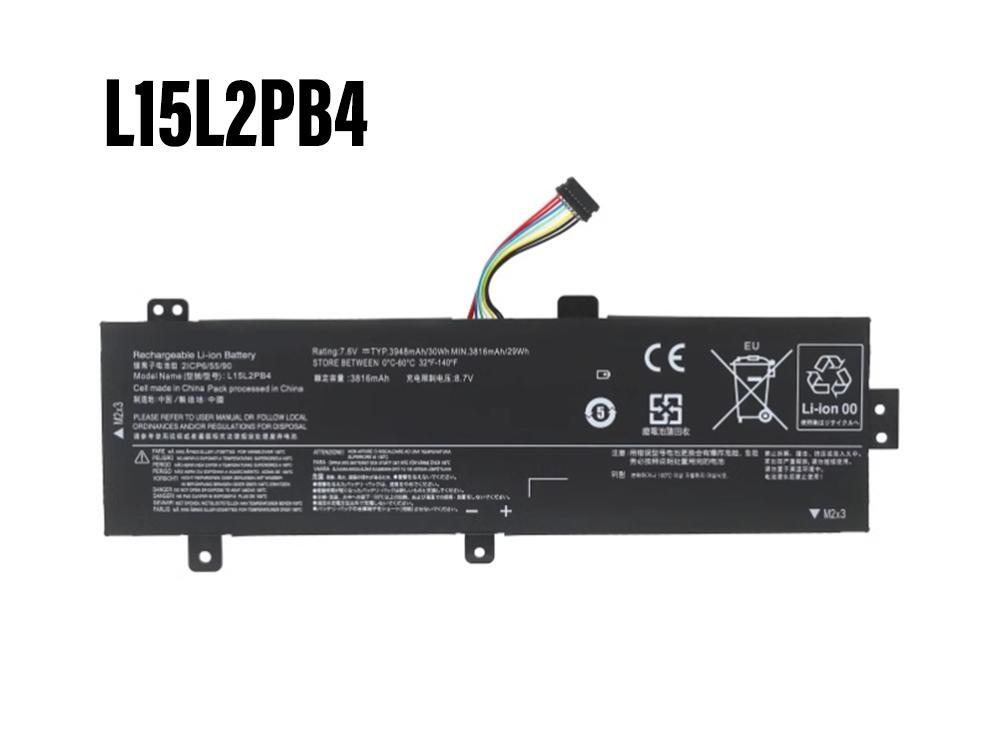
Battery for L15L2PB4 L15C2PB5 L15L2PB5
-
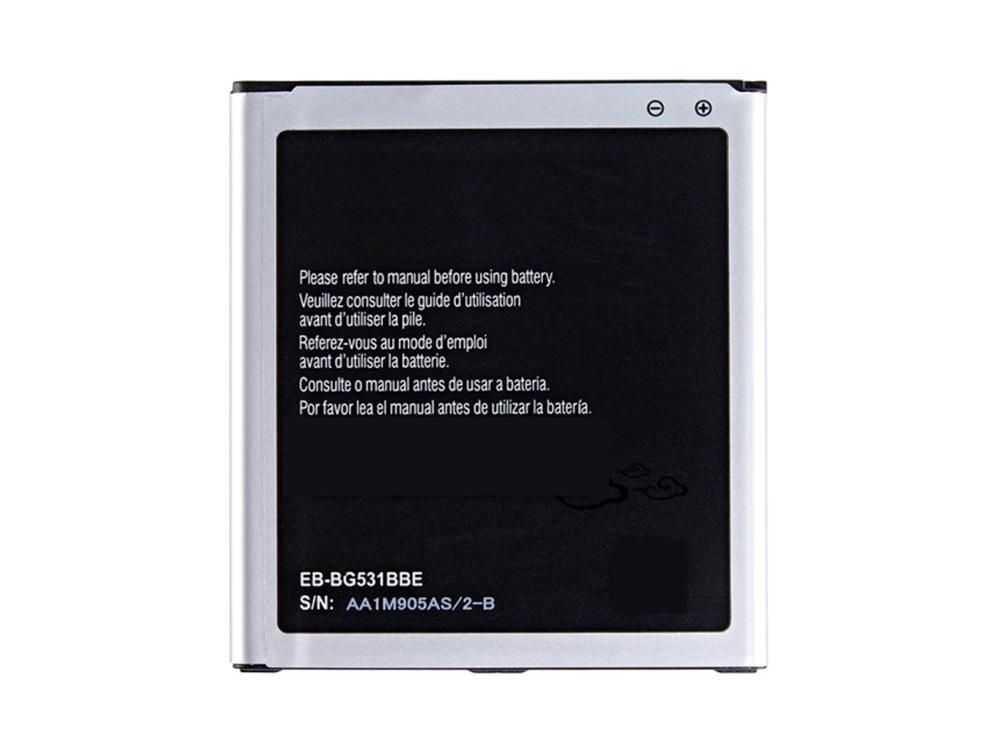
Battery for EB-BG531BBE
-
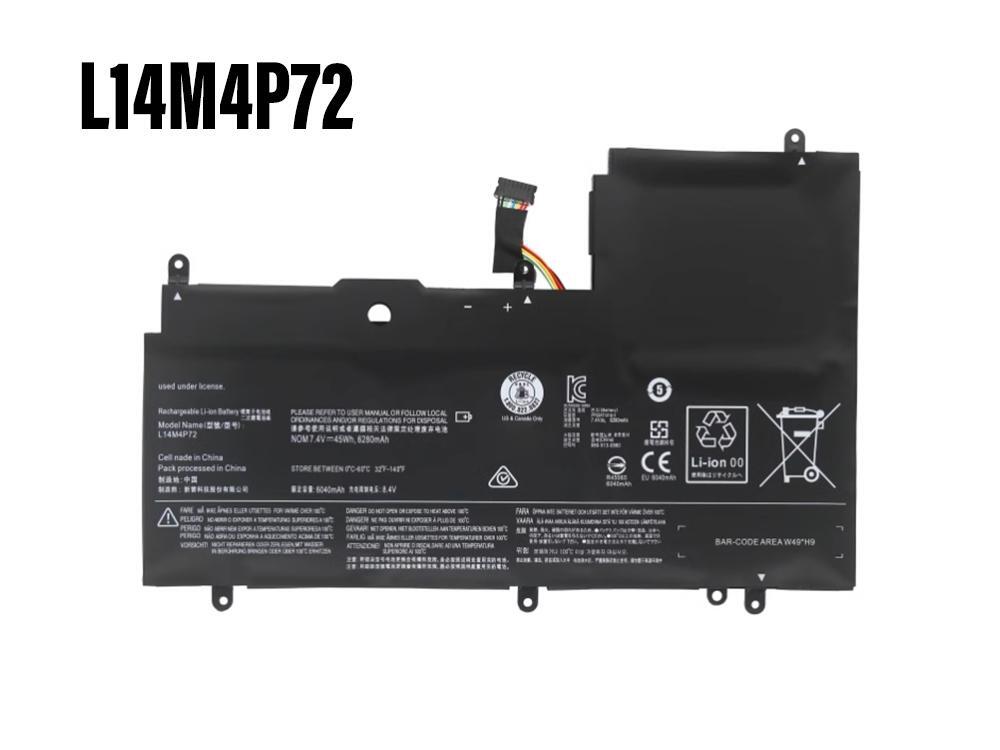
Battery for L14M4P72 L14S4P72
-
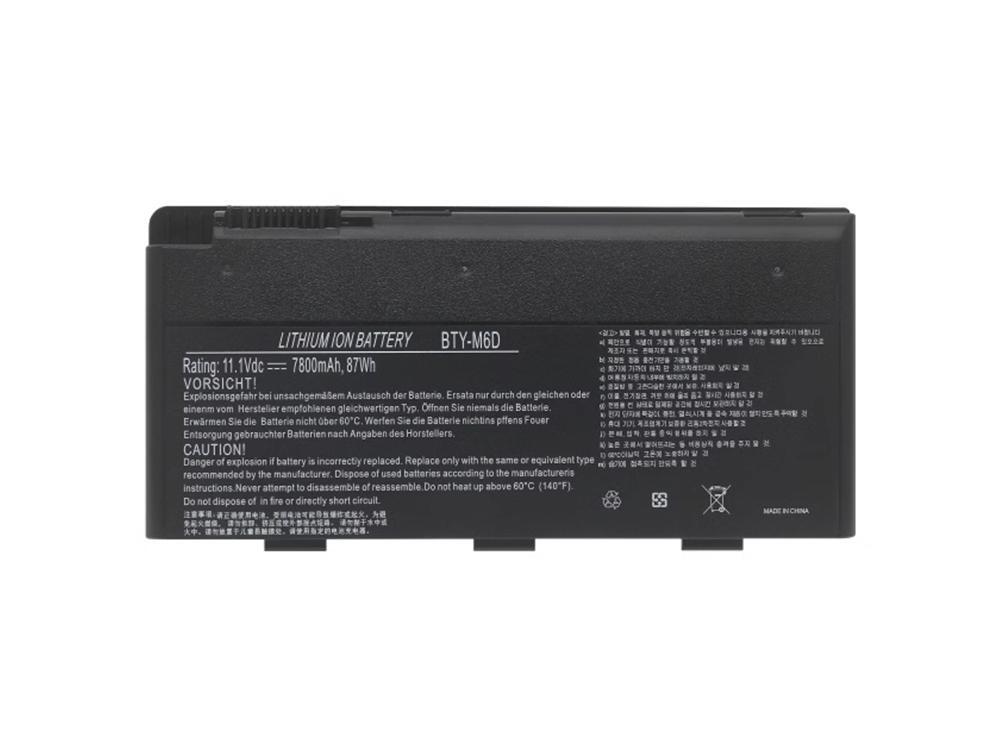
Battery for BTY-M6D
-
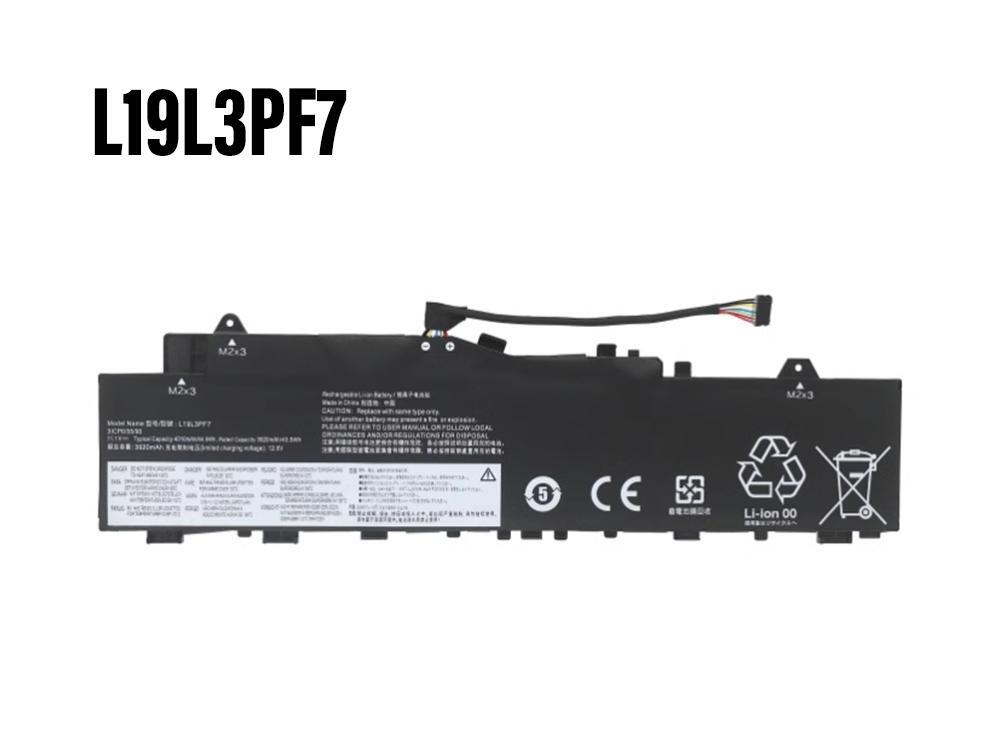
Battery for L19L3PF7
-
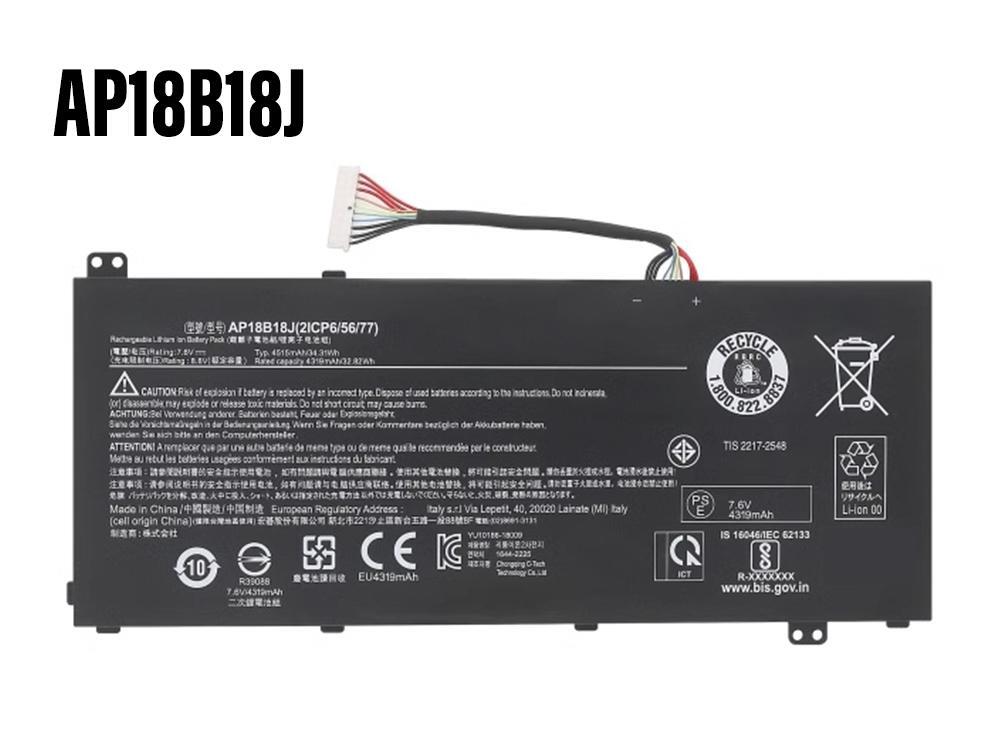
Battery for AP18B18J
-
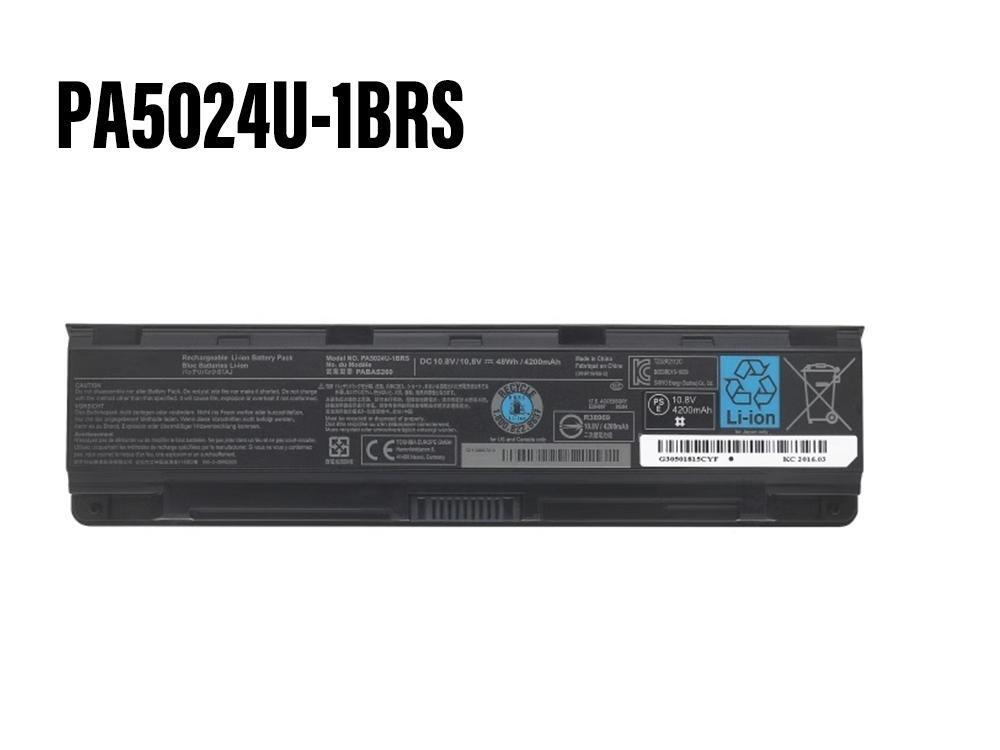
Battery for PA5024U-1BRS
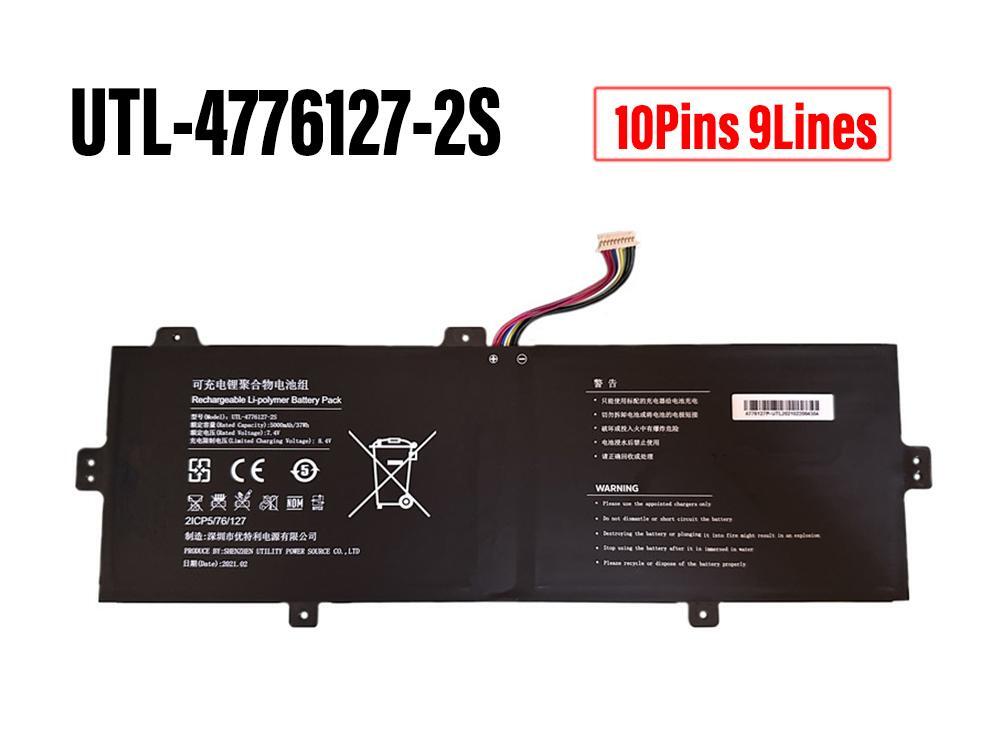
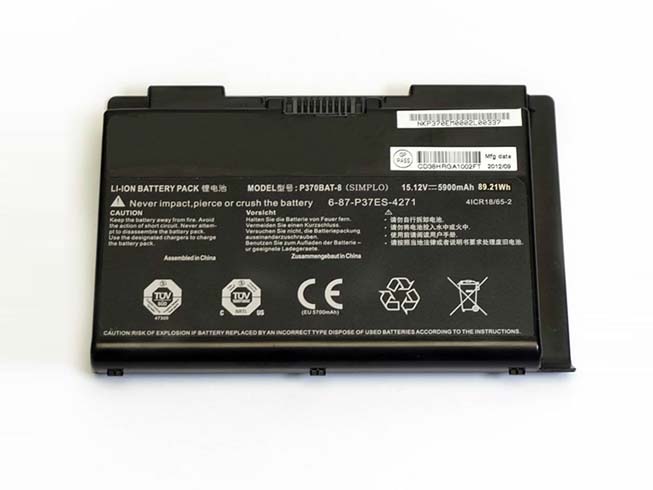


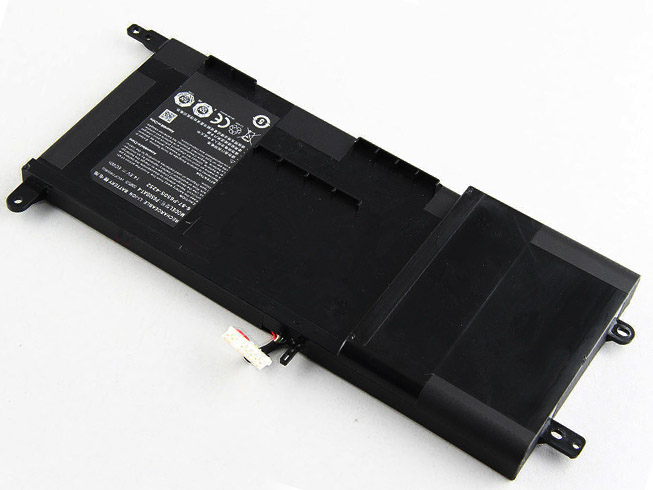
CLEVO P370BAT-8 Laptop Batteries 15.12V 89.21wh/5900mAh
CLEVO P370BAT-8 Laptop Batteries
| Product Details | |
|---|---|
| Product Condition: | Replacement Battery, Brand New |
| Category: | Laptop Batteries |
| Applicable Brands: | For CLEVO |
| SKU: | CLE2390 |
| Capacity: | 89.21wh/5900mAh |
| Volt: | 15.12V |
| Color: | Black |
| Size: | |
| Estimated Shipping Date: | 1 - 2 business days at the earliest. (Delivery will be delayed during holidays) |
| Estimated Delivery Date: | 7 - 20 business days at the earliest. (Delivery will be delayed during holidays) |
Compatible Part Numbers:
Compatible Model Numbers:
clevo X900 P370EM P370SM P370SM-A P375SM series
After Sales Service
We operate a fair and open after-sales service. Over 99% of our orders are handled perfectly – goods are delivered on time and work without fault. We aim to offer a service most other online retailers fail to deliver on: Product availability, value, reliable delivery and a clear and fair after-sales service.
1-Year Warranty
All our high quality replacement batteries for CLEVO P370BAT-8 come with a 1-year warranty. Warranty is applicable if the buyer has installed the battery properly in the device and has treated the battery correctly.
30-Day Money Back Guarantee
Our goal is to turn customer satisfaction into ‘Complete Customer Satisfaction’. That's why we offer you a 30-day money back guarantee, on top of our warranty and RMA procedure for defects!
Please note: in order to qualify to get your money back, you must first contact us and await instructions before sending back your product.


Our Guarantee
* Shopping with us is safe and secure.
* 100% High Quality and low price.
* 100% compatible original equipment.
* Full 1 year warranty! 30 days money back !
* Quick delivery for every order.
Payment Methods
How to Maximize Your Laptop’s Battery Life?
- 1. Defrag your computer regularly. This will allow your hard drive to not work as hard which won't drain your battery more.
- 2. Lower the brightnest of your screen. The brighter your screen, the more power being used.
- 3. Try to keep the amount of programs to a minimum. Every program open helps drain the battery a little bit more.
- 4. Cut down on external devices, such as USB devices, like a mouse. Also WiFi will drain your battery so turn it off when you aren't using it to save power.
- 5. Clean the Battery contacts. Every 6 months are so you should take out your battery and clean the contacts that connect to the laptop. You can use a cloth with rubbing alcohol to achieve this.
- 6. If you ever put your computer on standy, you should try to switch to hibernate, as hibernate fully shuts down your computer, but it allows you to quickly resume your work when you turn it back on.
- 7. Go to "Power Options" on your laptop and change it's setting to Max Battery, Super Energy Saver, or one of the other many different forms of it. But it all means the same thing, switch to the setting that is set for saving the most amount of energy.
Fast Delivery, Secure Shopping Guarantee - Laptop Batteries Online Store(UK)